
Seasonal Maintenance Tips for Laser Engraving Equipment


Introduction to Seasonal Maintenance
Maintaining your laser engraving equipment is essential for ensuring optimal performance and longevity. With each season change, specific maintenance tasks can keep your machine running smoothly and efficiently. In this guide, we’ll explore some vital seasonal maintenance tips for your laser engraving equipment.
Spring Cleaning for Your Equipment
Dust and Debris Removal
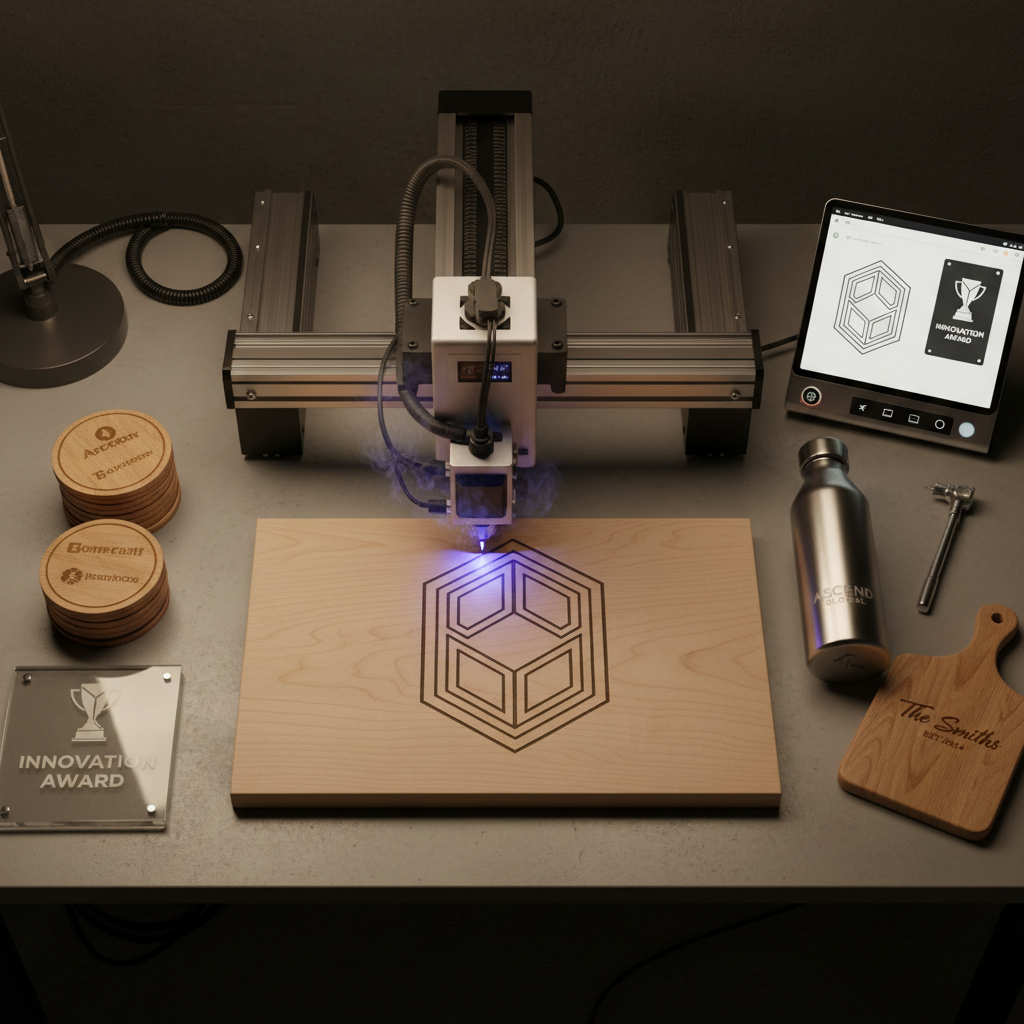
Spring is the perfect time to give your laser engraver a thorough cleaning. Dust and debris can accumulate over time, affecting performance. Use a soft brush or a microfiber cloth to gently clean the interior and exterior surfaces. Pay special attention to fans and vents, as they can easily become clogged.
Lubrication Check
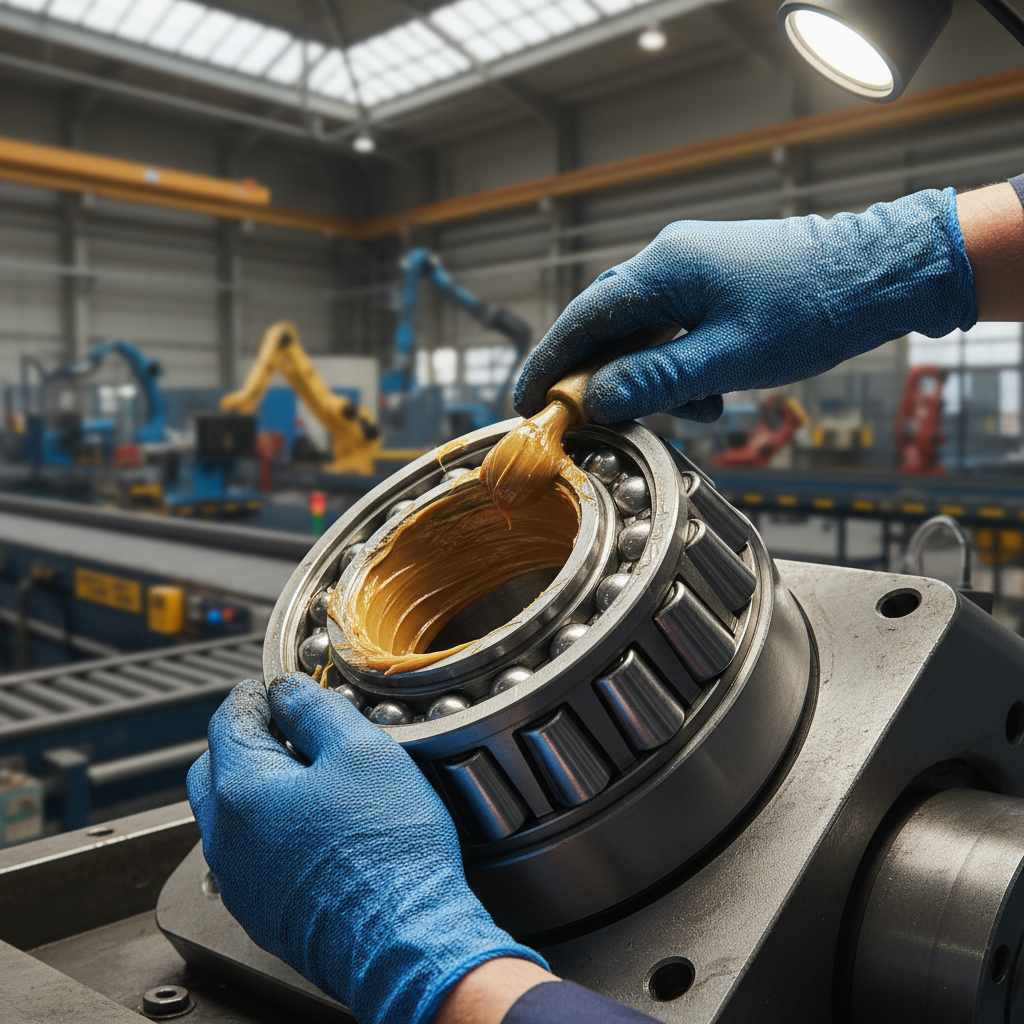
Regular lubrication of moving parts is crucial. During spring, inspect rails and bearings for any signs of wear and apply a suitable lubricant. This will reduce friction and prevent unnecessary wear and tear, ensuring smooth operation throughout the year.
Summer Heat and Equipment Care
Monitor Temperature
Summer heat can pose challenges for laser engraving equipment. Ensure your workspace is well-ventilated and the temperature is kept stable. High temperatures can affect the laser’s output and precision, so consider investing in a cooling system or air conditioning if necessary.
Electrical Inspection
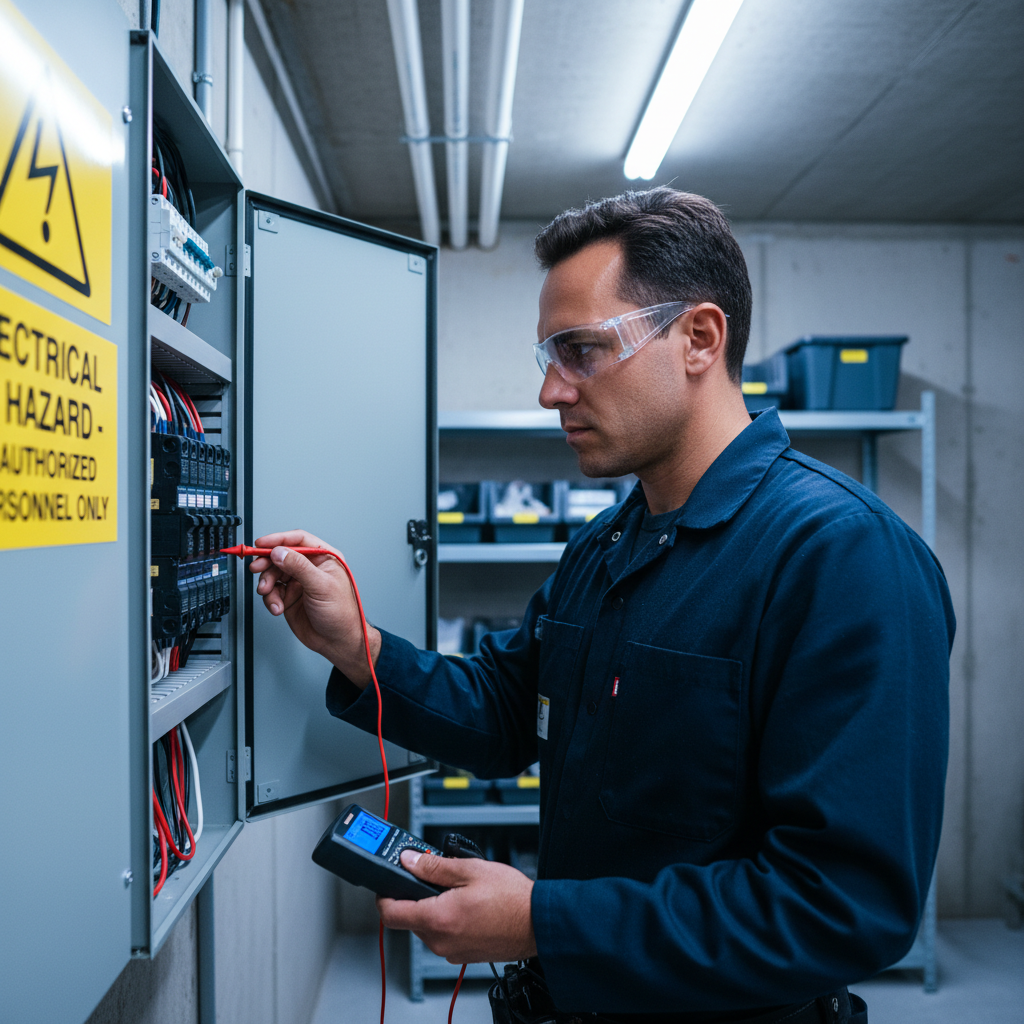
Heat can also impact electrical components. Conduct a thorough inspection of all electrical connections and wires for any signs of fraying or damage. Replace any faulty parts immediately to prevent equipment failure or safety hazards.
Autumn Adjustments
Focus on Calibration
As autumn arrives, focus on recalibrating your laser engraver. Temperature changes can affect alignment. Use the manufacturer’s instructions to ensure proper calibration, which will enhance accuracy and efficiency in your engraving projects.
Check for Software Updates
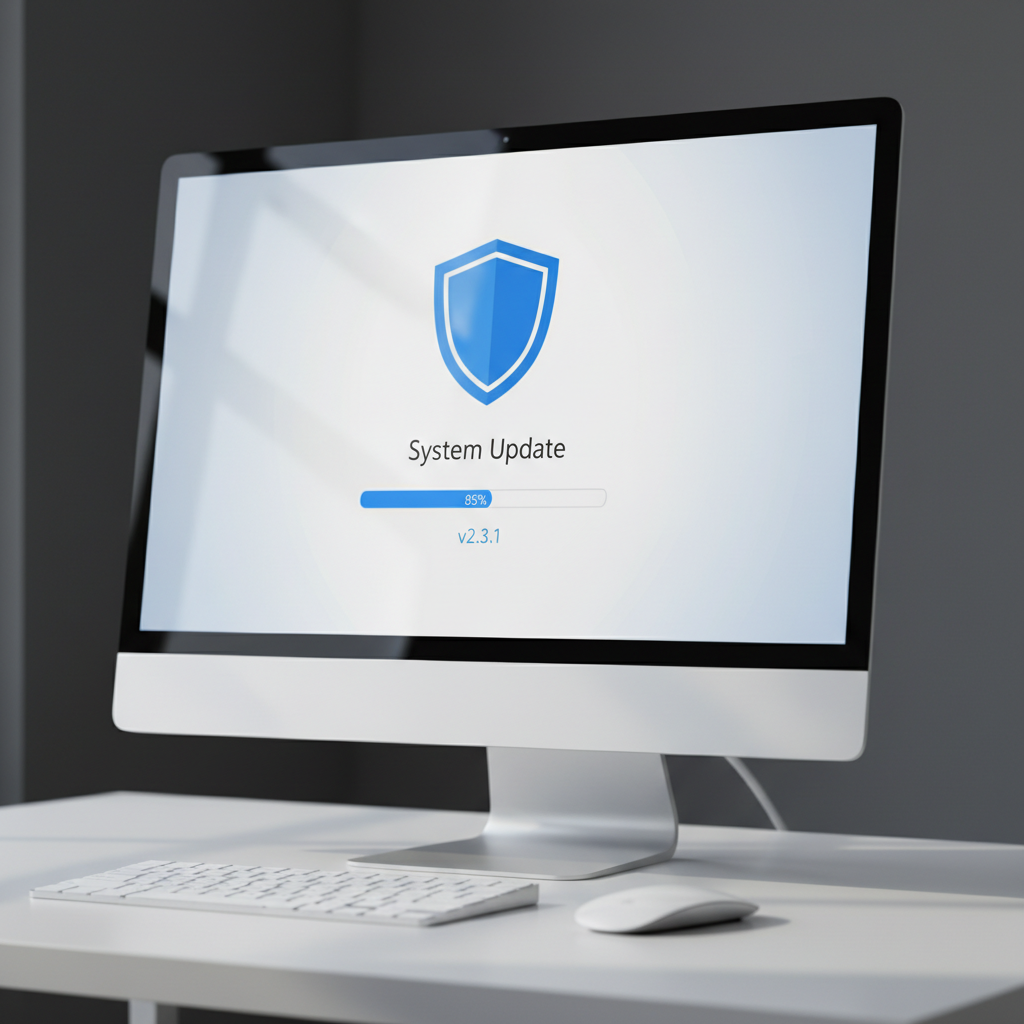
Keep your equipment’s software up-to-date. Manufacturers often release updates to improve performance or address issues. Regularly check for updates and install them to ensure your machine runs optimally.
Winter Precautions
Preventing Moisture Build-Up
Winter brings increased humidity, which can lead to moisture build-up. This can cause damage to sensitive parts of your laser engraver. Use dehumidifiers in your workspace and cover the equipment when not in use to protect it from moisture.
Battery and Power Source Check
Cold temperatures can affect batteries and power sources. Check all battery-powered components and power supplies to ensure they are functioning properly. Replace any that show signs of wear or reduced efficiency.
Conclusion
Regular seasonal maintenance of your laser engraving equipment can prevent costly repairs and extend the life of your machine. By following these tips throughout the year, you can ensure that your equipment remains in top condition, ready to handle any project you undertake. Consistent care will not only improve performance but also provide peace of mind.