
How to Start a Makerspace in Your School: A Comprehensive Guide


Understanding the Concept of a Makerspace
A makerspace is a collaborative workspace where students can explore, create, and innovate using a variety of tools and materials. These spaces encourage hands-on learning and foster creativity, critical thinking, and problem-solving skills.
Integrating a makerspace into your school can transform the educational experience, making learning more engaging and interactive. It provides students with the opportunity to experiment and bring their ideas to life.

Planning Your Makerspace
Assessing Needs and Goals
Before starting a makerspace, it's essential to assess the needs and goals of your school. Consider what skills and subjects you want to emphasize. This will guide the selection of tools and materials.
Setting a Budget
Developing a budget is crucial. Determine how much funding is available and explore potential grants or partnerships with local businesses. Prioritize essential items and plan for future expansions.

Designing the Space
Selecting a Location
Choose a location that is accessible to students and can accommodate various activities. The space should be flexible, allowing for different setups depending on the projects.
Organizing the Layout
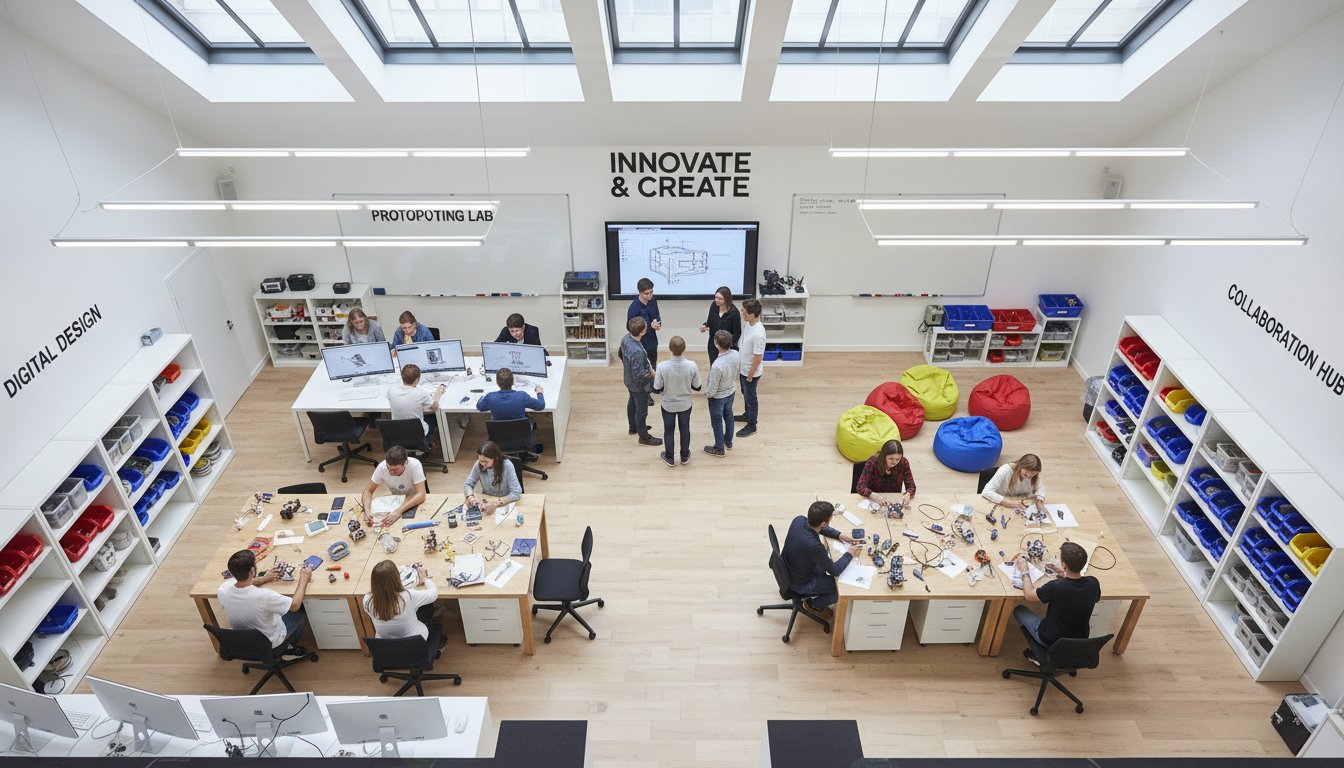
An effective makerspace layout includes dedicated areas for different activities, such as a 3D printing station, crafting area, and computer workstations. Ensure there is ample storage for materials and tools.
Equipping Your Makerspace
Essential Tools and Materials
Start with basic tools like scissors, glue guns, and craft supplies. Gradually add more advanced equipment such as 3D printers, laser cutters, and electronics kits. Ensure all tools are safe and easy for students to use.
Incorporating Technology
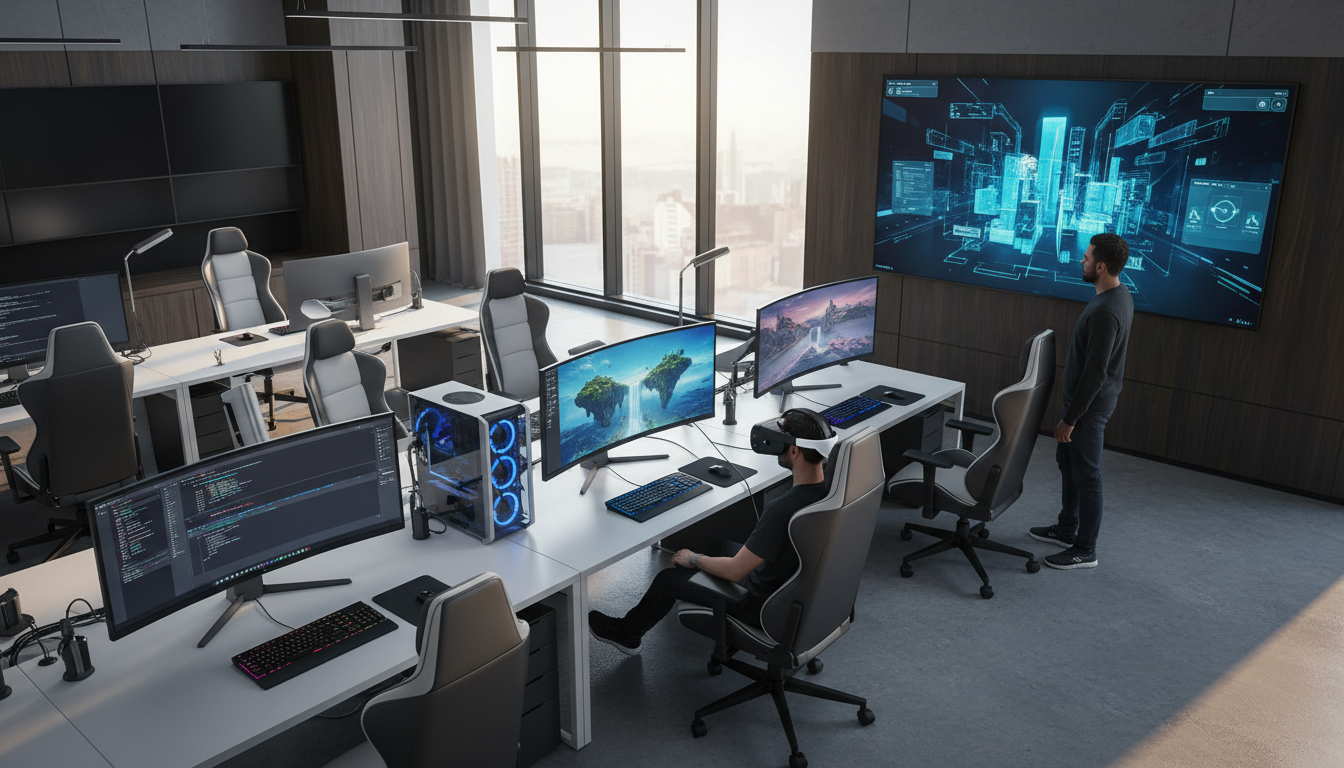
Integrate technology by providing computers with design software and access to online resources. Encourage students to use coding platforms and robotics kits to enhance their technical skills.
Implementing the Makerspace
Engaging Teachers and Students
Involve teachers and students in the makerspace development process. Provide training sessions and workshops to help them feel comfortable using the space and its resources.
Creating a Schedule
Develop a schedule that allows different classes to utilize the space. Consider after-school programs and clubs to maximize its use. Encourage collaboration across subjects and grade levels.

Evaluating and Evolving the Makerspace
Regularly assess the effectiveness of your makerspace. Gather feedback from students and teachers to understand what works and what needs improvement. Make adjustments to the space, tools, and programs as needed.
As your makerspace grows, continue to seek new opportunities for expansion and innovation. Stay updated with the latest educational tools and techniques to keep the space dynamic and inspiring.