
How to Start a Makerspace: A Comprehensive Guide for Educators


Understanding the Concept of a Makerspace
Makerspaces are collaborative workspaces where students can gather to create, invent, and learn using various tools and materials. They provide hands-on, creative ways to encourage students to design, experiment, build, and invent as they deeply engage in science, engineering, and tinkering.
These spaces are not confined to any specific discipline, allowing for a cross-curricular approach that can enhance educational outcomes. Whether you’re an educator in a school or a member of a community center, starting a makerspace can revolutionize the way students interact with learning materials.
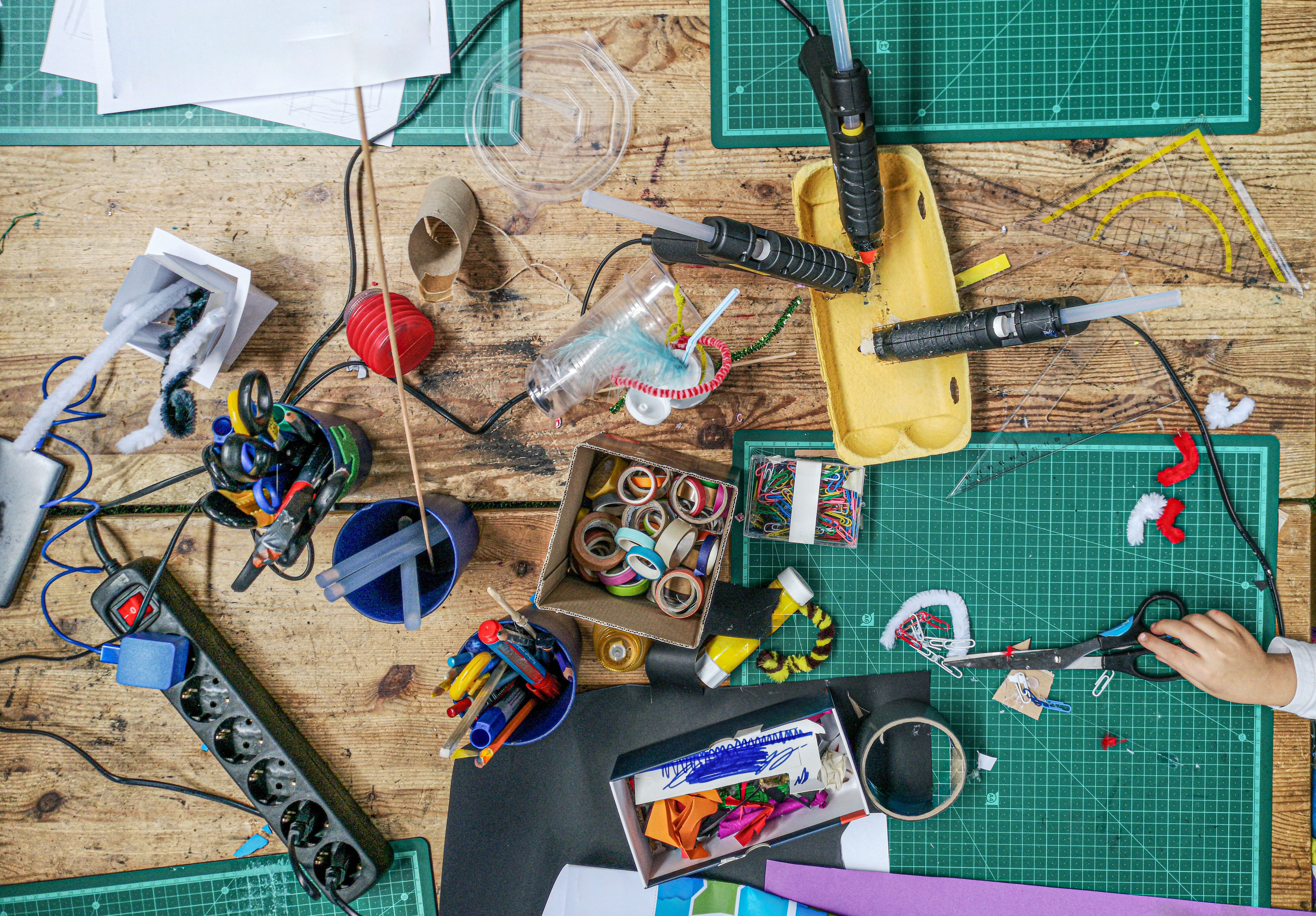
Planning Your Makerspace
Define Your Goals
Before you dive into setting up a makerspace, it's crucial to define what you hope to achieve. Are you looking to improve STEM education, foster creativity, or provide a space for after-school activities? Clearly outlining your objectives will help guide the development process.
Determine Your Budget
Budgeting is a critical step in starting a makerspace. Consider costs for equipment, materials, space modification, and potential staffing. Look into grants, local business sponsorships, and school funding options to help finance your project.

Designing the Space
Selecting the Right Location
The location of your makerspace will influence its accessibility and usability. Choose a spot that is easily accessible to students and has enough room for various activities. Consider factors such as lighting, ventilation, and electrical outlets.
Layout and Equipment
Design your space to accommodate different learning styles and activities. Include areas for collaboration, quiet work, and storage. Essential equipment might include 3D printers, computers, hand tools, and craft supplies depending on your focus.

Building a Community
Engaging Stakeholders
Engage with teachers, parents, and local businesses to support your makerspace. Hosting workshops and informational sessions can help gather interest and support. A collaborative community can provide resources, expertise, and volunteers.
Training and Professional Development
Ensure that there is adequate training for staff and volunteers. Professional development sessions can be held to teach the necessary skills and safety protocols for using the equipment and facilitating student projects.
Implementing and Evolving
Launching Your Makerspace
When your makerspace is ready, plan a launch event to introduce it to the community. This can include demonstrations, hands-on activities, and tours of the space. Make it an exciting event to generate enthusiasm.
Continuous Improvement
Collect feedback from students and educators to continuously improve the space. Regularly update your tools and resources to keep pace with technological advancements and changing educational needs. A successful makerspace evolves with its users.

Starting a makerspace is a rewarding endeavor that can have a profound impact on students' learning experiences. By carefully planning and engaging your community, you can create a vibrant space for innovation and creativity.