
Formlabs vs. Competitors: Which 3D Printing Solution is Right for You?


Understanding the 3D Printing Landscape
As 3D printing technology continues to evolve, choosing the right solution for your needs can be challenging. With numerous options available, it's essential to understand the differences between leading brands like Formlabs and their competitors. This guide will help you navigate the landscape and make an informed decision.
Why Formlabs Stands Out
Formlabs is renowned for its user-friendly interface and high-resolution printing capabilities. Their printers are designed to cater to both beginners and professionals, making them a versatile option. The company also offers a wide range of materials, ensuring that users have the flexibility to create various types of projects.
Comparing Key Competitors
Several competitors, such as Ultimaker, MakerBot, and Prusa, offer distinct advantages that might suit different needs. Ultimaker is known for its robust industrial-grade printers, ideal for large-scale projects. MakerBot focuses on educational and small business applications, while Prusa is celebrated for its affordability and open-source community support.
Evaluating Print Quality
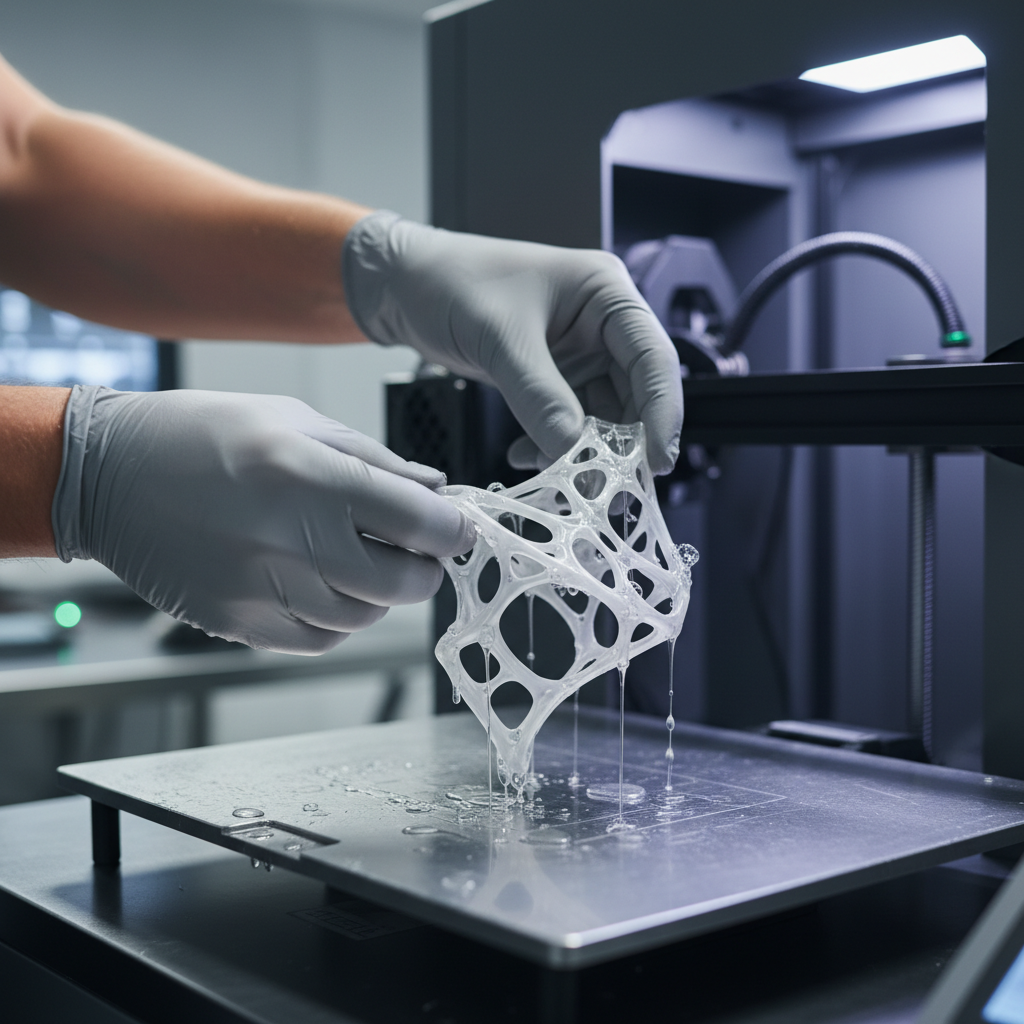
Print quality is a critical factor when selecting a 3D printer. Formlabs excels in delivering smooth and detailed prints due to its advanced stereolithography (SLA) technology. In comparison, Fused Deposition Modeling (FDM) printers like those from MakerBot often require additional post-processing to achieve similar results.

Material Versatility
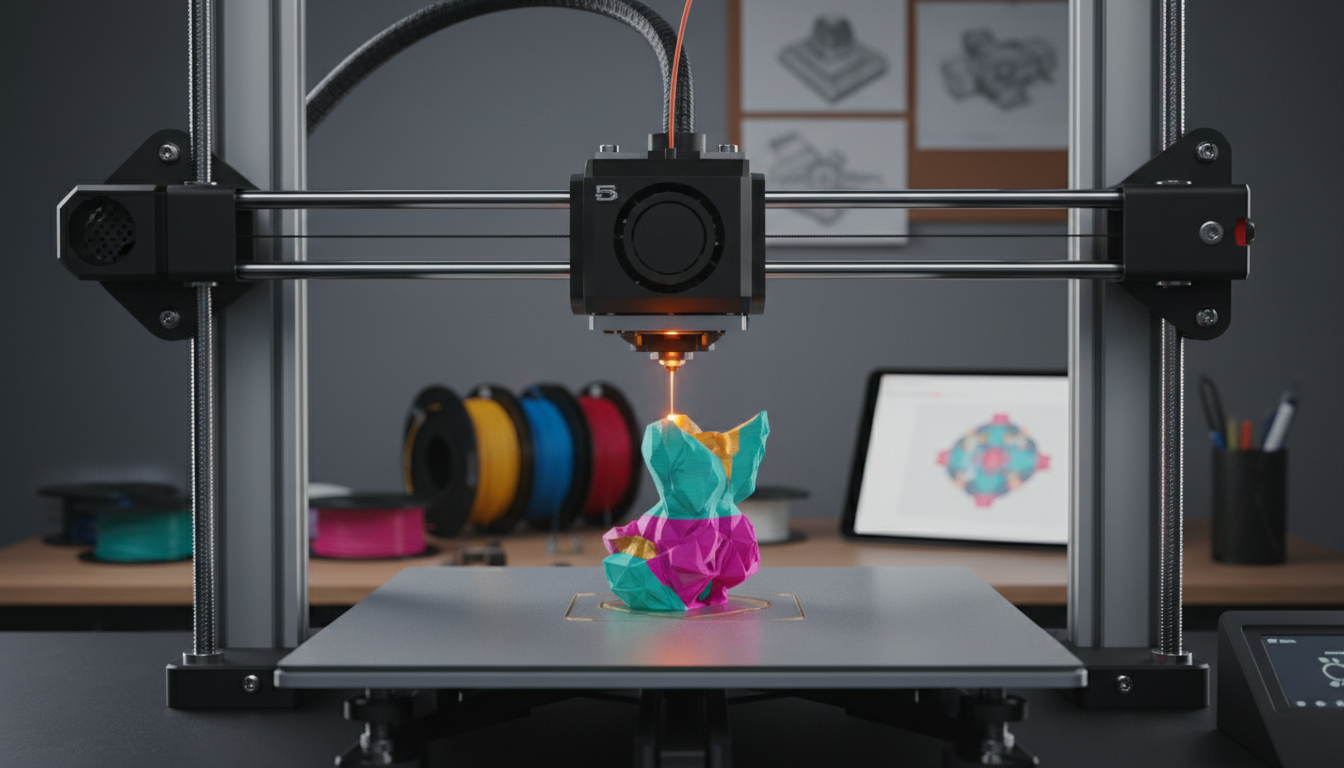
The range of materials a printer can handle is another essential consideration. Formlabs offers a diverse selection of resins, including standard, flexible, and bio-compatible options. On the other hand, FDM printers like Prusa allow for a broader range of filament materials, such as PLA, ABS, and PETG.
Ease of Use and Software
Ease of use can significantly impact your overall experience with a 3D printer. Formlabs' PreForm software is intuitive and simplifies the printing process. Competitors like Ultimaker also offer user-friendly software, though some may find Prusa's open-source approach requires a steeper learning curve.
Cost Considerations
Budget constraints often play a significant role in decision-making. Formlabs printers are generally positioned at a higher price point due to their premium features and capabilities. Conversely, Prusa offers more budget-friendly options, making it an attractive choice for hobbyists and small businesses.
Customer Support and Community
Strong customer support and an active community can enhance your 3D printing experience. Formlabs provides comprehensive support and resources, ensuring users have access to the help they need. Meanwhile, brands like Prusa benefit from a dedicated community that shares tips and modifications.
In summary, selecting the right 3D printing solution involves evaluating several factors, including print quality, material versatility, ease of use, cost, and support. Formlabs and its competitors each offer unique strengths, so consider your specific needs and priorities to make the best choice.