Choosing the Right Laser Engraving Tools for Your School: A Buyer's Guide


Understanding Laser Engraving
Laser engraving has become an invaluable tool for schools, offering a range of educational and creative opportunities. Whether you’re in a high school tech class or a college art department, the right laser engraving tools can transform your projects. But with a variety of options available, how do you choose the right one?
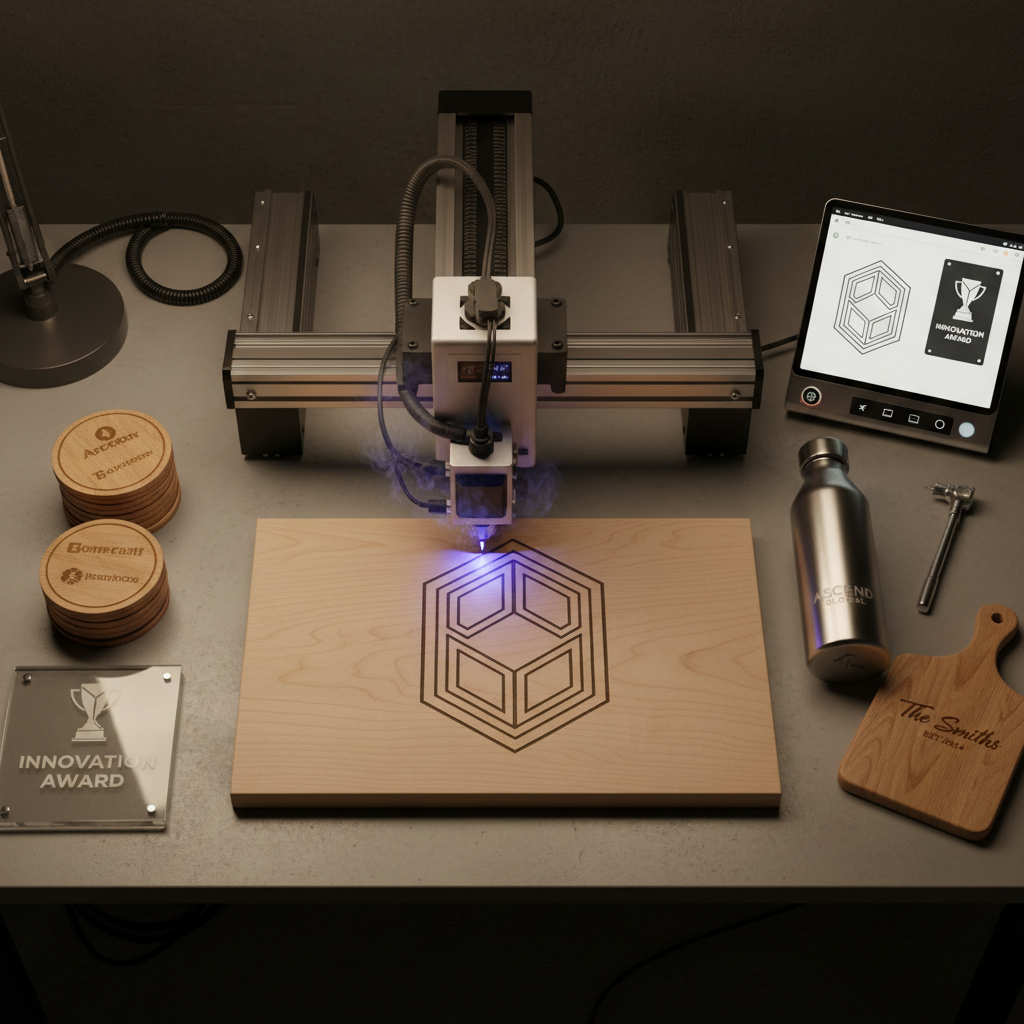
Laser engravers use powerful beams to precisely etch designs onto various materials, from wood and glass to metal and plastic. This versatile technology allows students to explore creativity, enhance technical skills, and bring their ideas to life.
Key Features to Consider
When selecting a laser engraver for your school, consider the following features to ensure it meets educational needs:
Power and Speed
The power of a laser engraver determines the types of materials it can engrave and the speed affects how quickly jobs are completed. For educational purposes, a mid-range power level is often sufficient, offering a balance between capability and safety.
Size and Workspace
Consider the size of the engraver and the available workspace in your school. Compact models are ideal for classrooms with limited space, while larger units may be necessary for more extensive projects.

Budget Considerations
Budget is always a critical factor in educational settings. Laser engravers vary widely in price, so it’s important to find a model that offers the best value for your investment. Keep in mind that higher-end models may offer advanced features but at a greater cost.
Additionally, consider the long-term costs, such as maintenance and materials. Opt for a model with a good warranty and reliable customer support to minimize future expenses.
Safety and Ease of Use
Safety is paramount, especially in educational environments. Look for engravers with built-in safety features like automatic shut-off and protective covers. An easy-to-use interface is also essential to ensure that students can operate the machine with minimal supervision.

Software Compatibility
Most laser engravers come with software that allows for design creation and editing. Ensure the software is compatible with your school's existing systems and is user-friendly, offering tutorials or support to help students get started.
Some engravers also support popular design software like Adobe Illustrator or CorelDRAW, which can be a bonus if your school already uses these programs.
Conclusion
Choosing the right laser engraving tools for your school involves balancing several factors, including power, size, budget, safety, and software compatibility. By carefully evaluating these aspects, you can select a tool that enriches learning experiences and fosters creativity among students.
Ultimately, the right laser engraver can be a powerful educational asset, inspiring students to explore new technologies and innovate in their projects.